SMPlayer includes now an option to convert 3D formats: Video -> Stereo 3D filter.
In the Stereo 3D filter dialog you need to select the input and output formats.

Let’s see an example:
In this YouTube video the format is side by side with half resolution.
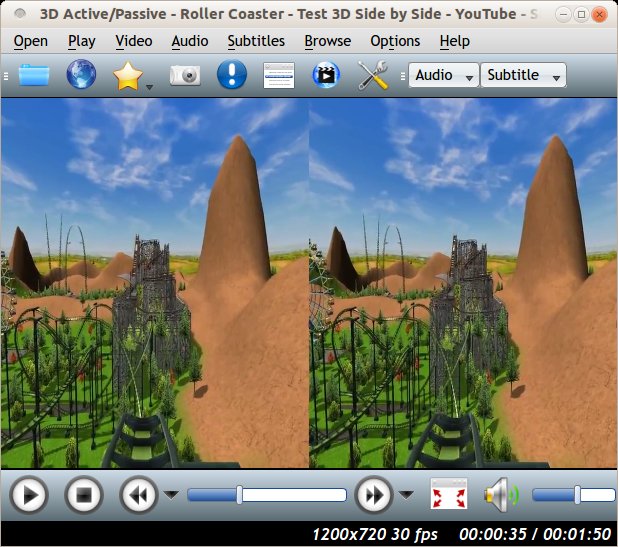
So we select that option as input format. As output format you can for example select anaglyph red/cyan color, which allows you to watch the video in 3D with red/cyan glasses.

There are many outputs available. The “mono output” allows to watch the video without 3D.
Another example:
In this video the format is above-below half resolution.

Result with the anaglyph red/cyan output:
