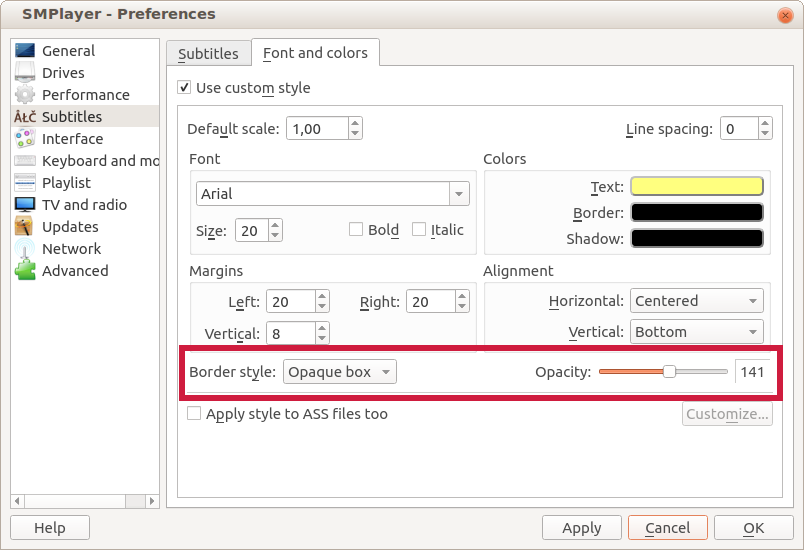
Now in SMPlayer 18.2.2 is possible to display subtitles with a semi-transparent background.

Go to Preferences -> Subtitles -> Font and colors, select Opaque box as border style, now you can adjust the level of opacity of the background.
Other changes in this version:
- The option Open -> URL can now also load YouTube playlists.
- The options for the preferred number of track for audio and subtitles are back.
- (mpv) Now the direct3d is the default video output for Windows, since some users reported problems with the gpu output.